.png)
12. Attaching Files
All materials developed by ICA are based on the Bitfocus Clarity HMIS platform and reflect the most current information available to us. Materials are updated as new information, guidance, and functionality are released by the vendor. Because the system continues to evolve, there may be updates or changes to the interface or functionality that are not yet reflected in these materials. ICA will continue to review and update these resources as additional information becomes available from Bitfocus.
Attaching files in HMIS allows agencies to securely store and access important participant documents in one location. Uploading required documentation helps support service delivery and maintain complete records.
HMIS Workflow
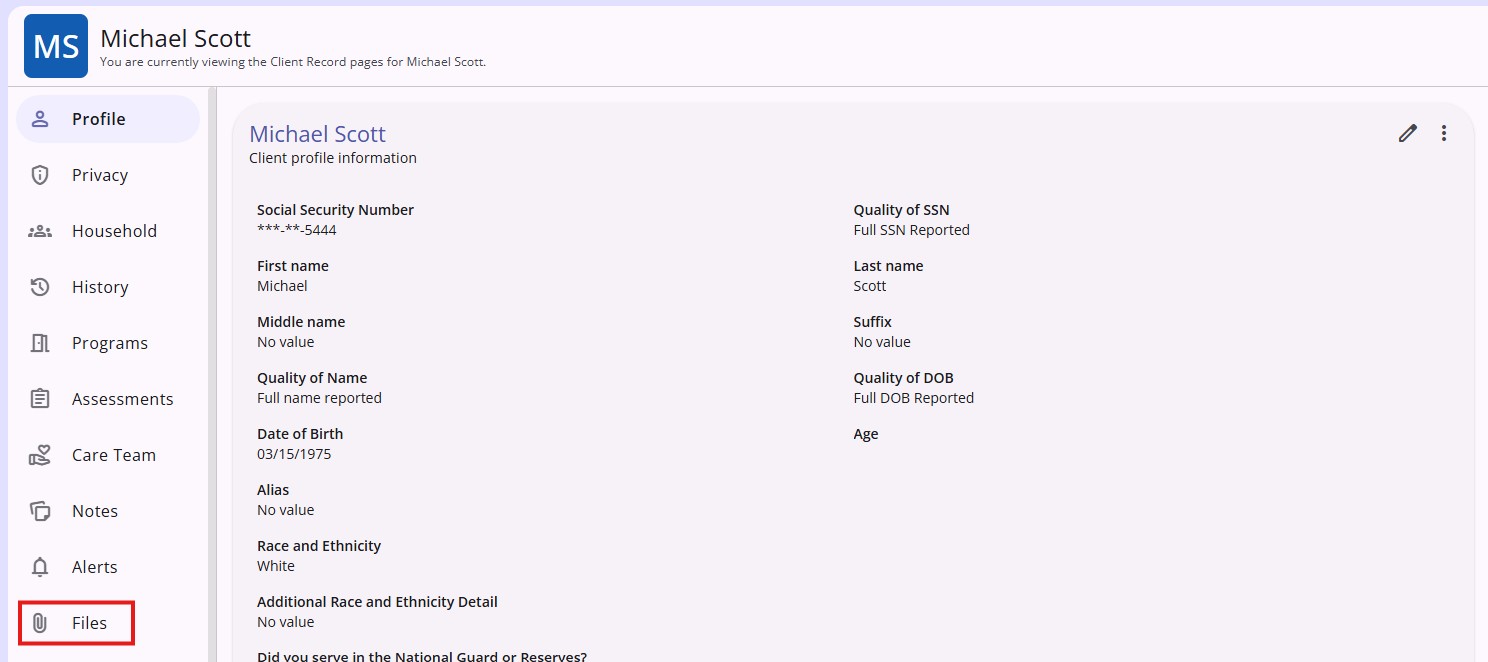
- When you are on any section within a client record, you will see the Files tab on the client navigation menu.
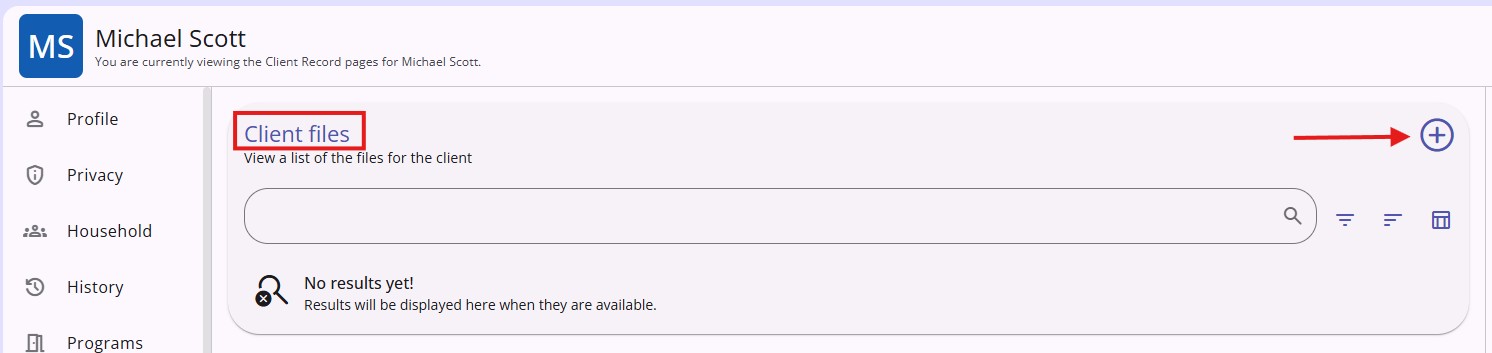
- To add a new file, click the plus sign (+).
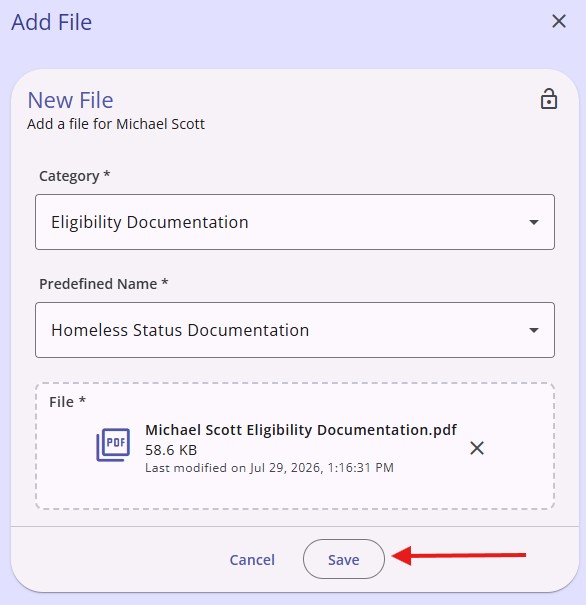
- Select the category that best aligns with the file and upload by selecting a file from your documents. Click Save.
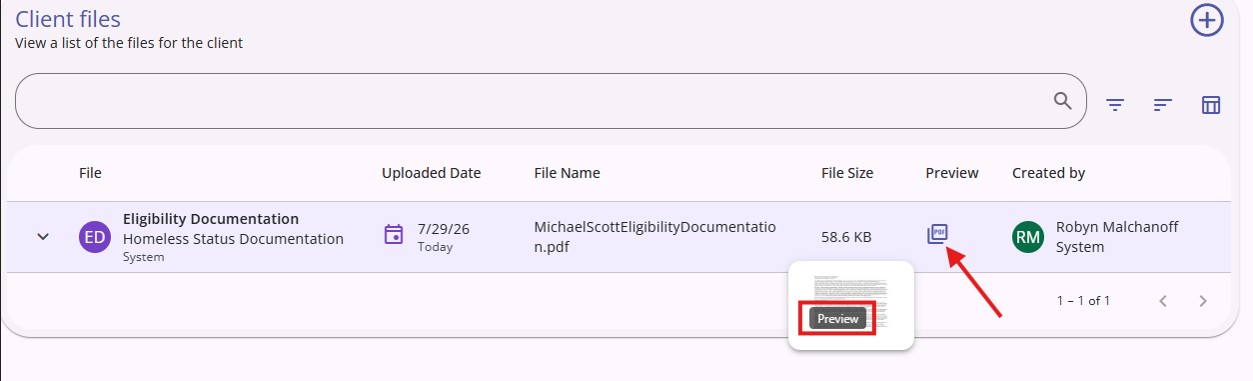
- To see the file, click on the paper icon and then click Preview.
Copyright © Institute for Community Alliances, 2025. All Rights Reserved.