.png)
13. Calendar Feature
All materials developed by ICA are based on the Bitfocus Clarity HMIS platform and reflect the most current information available to us. Materials are updated as new information, guidance, and functionality are released by the vendor. Because the system continues to evolve, there may be updates or changes to the interface or functionality that are not yet reflected in these materials. ICA will continue to review and update these resources as additional information becomes available from Bitfocus.
The Calendar feature in Clarity allows users to manage client appointments, track follow-ups, and organize service schedules directly within the HMIS.
HMIS Workflow
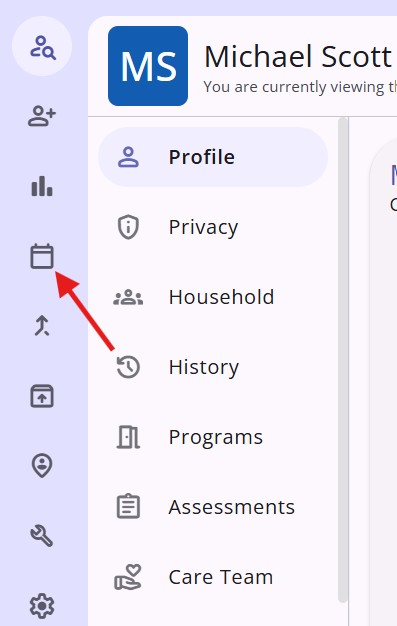
- Navigate to your calendar on the toolbar. This calendar is personal to the user and is not shared or viewable by other users.
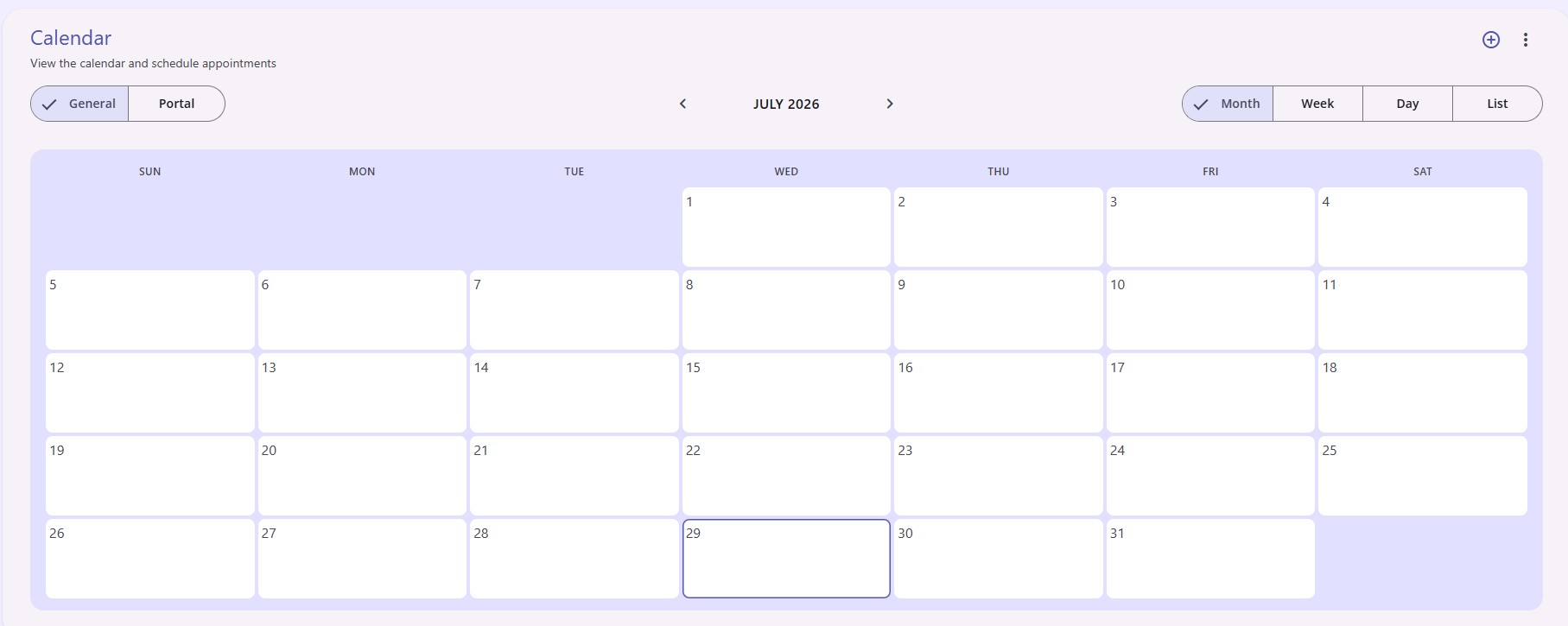
- The calendar displays in the Month view and can be changed to a Week, Day, or List view from the top right of the calendar screen.
- Navigate to previous or next months of the calendar using the arrow icons at the top of the calendar.
Managing Appointments
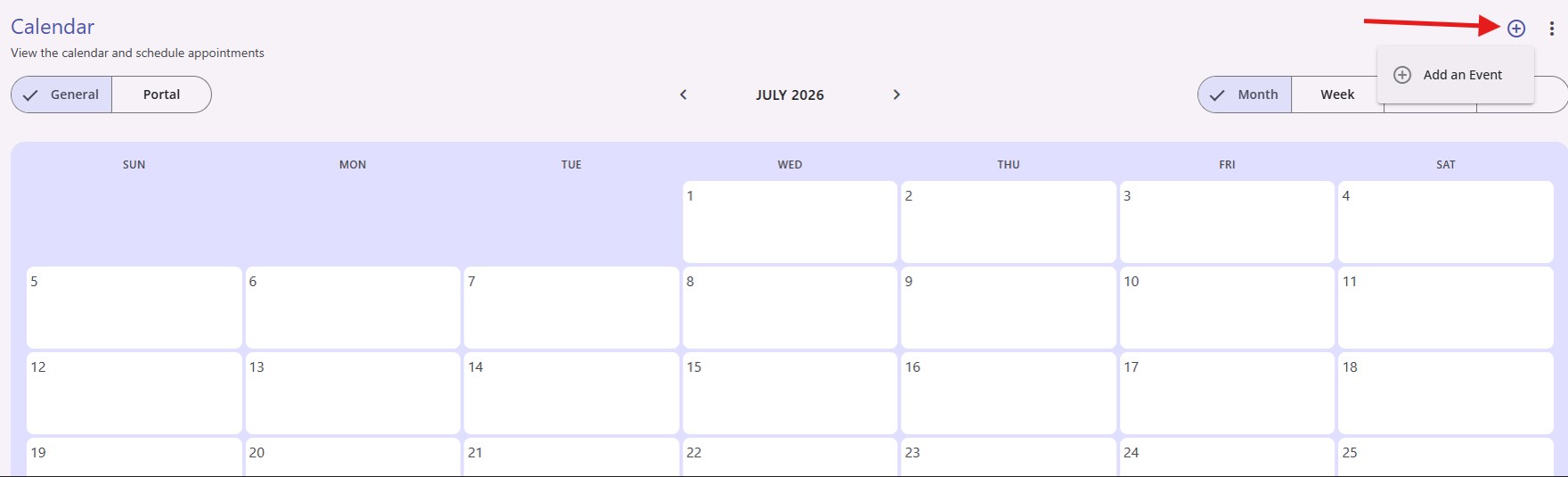
- Click the plus icon in the top right corner of the calendar and click Add an Event.
- Add an appointment for your client by entering:
- Client
- Start On (Date/Time)
- End On (Date/Time
- Location (Optional)
Click Save.
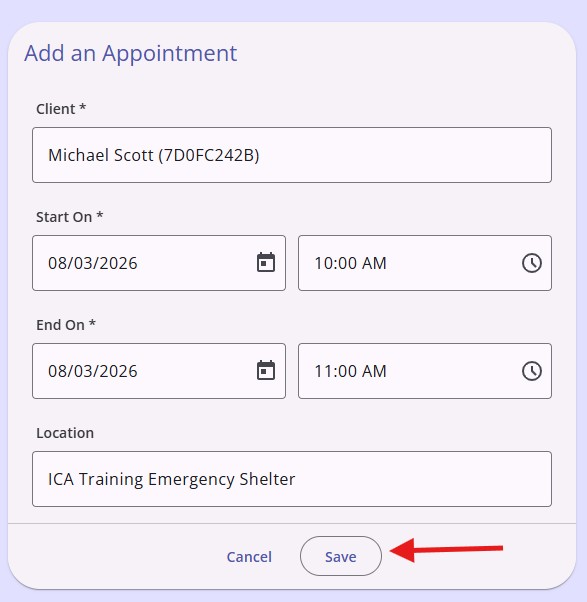
Note: You can use the Location field to record additional information related to the appointment.
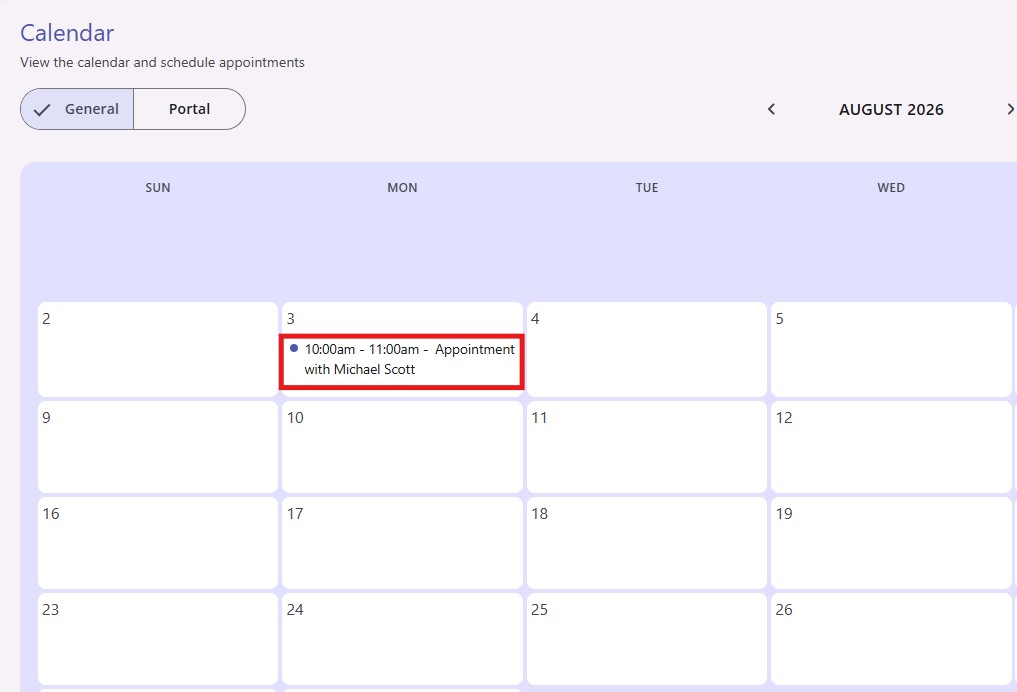
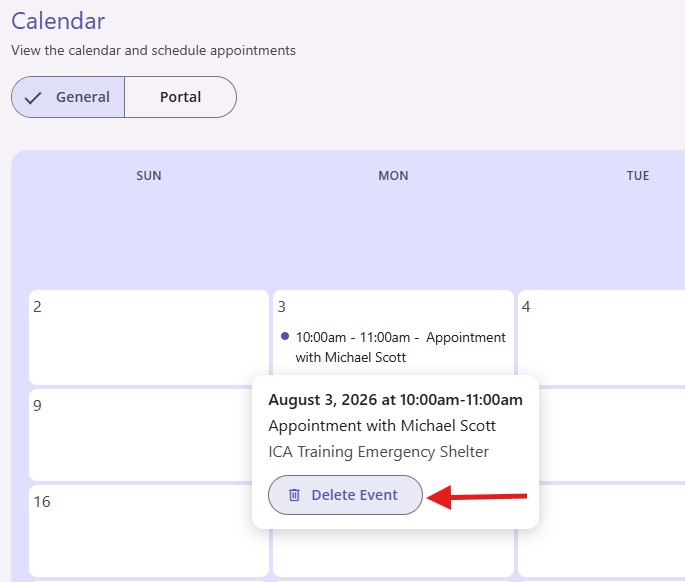
- Appointments appear on the calendar as time blocked events. Click on the event to view more details.
- Users can delete an event option by clicking Delete Event.
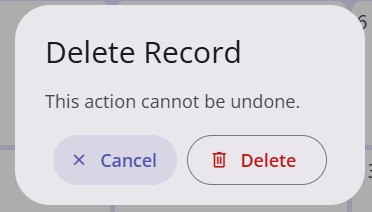
- A warning pop-up asks users to confirm they want to delete the event with the option to Cancel or Delete.
Copyright © Institute for Community Alliances, 2026. All Rights Reserved.